
Final Podcast Recording: Email Phishing
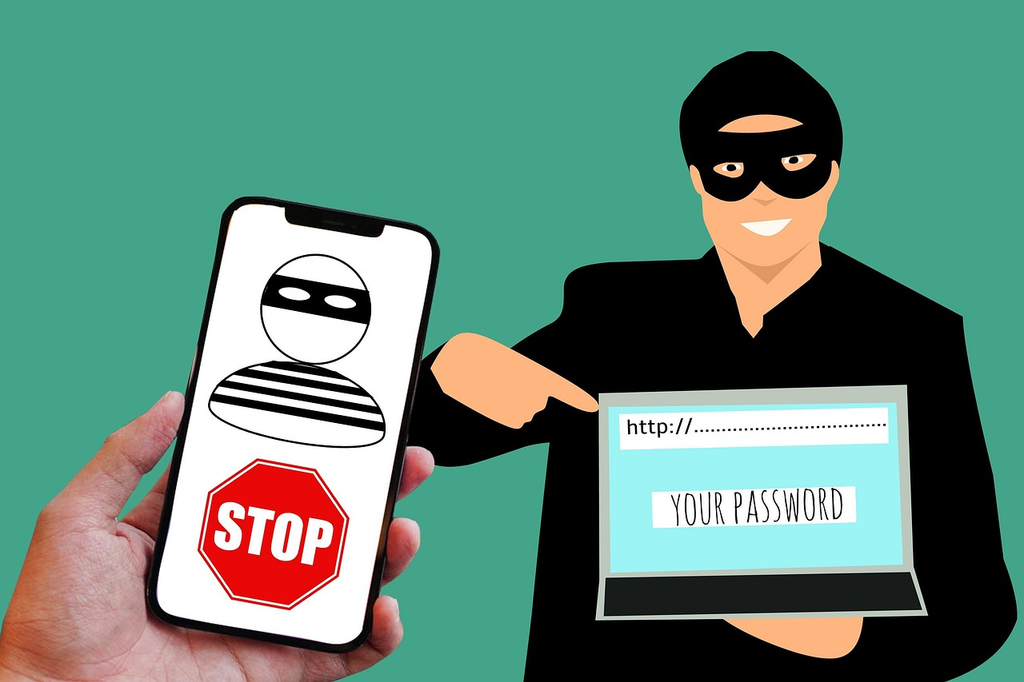
Phishing scam with masked hacker illustration by Sunriseforever on Pixabay
What is Email Phishing?
Email phishing is a form of cyberattack where scammers impersonate businesses, people, and organizations you trust. While impersonating, they typically send a link with some sort of emergency, hoping you click and enter in valuable information such as passwords and credit cards. If the attacker is successful they can use this info to login and takeover your account or sell your sensitive information.
Listen to my Podcast!
[Intro music plays]
John Nett (00:08)
Hello everyone, my name is John, I’m your host, and today we’re going to be talking about email phishing. We’re going to be talking about what it is, how it works, and how you, the listener, can learn to recognize and defend against these attacks. So without further ado, let’s jump right into it.
John Nett (00:24)
So what is phishing? Email phishing is a type of cyber attack where scammers impersonate people or organizations that you might trust. They might be pretending to be your university, a bank, or even Amazon. And the goal is to trick you into handing over sensitive information. Now, this could be passwords, bank info, or even credit card numbers.
John Nett (00:49)
Let’s walk through a quick example of this. I want you all to imagine that you receive an email that appears to be from the university’s IT department.
It says your account will be locked unless you verify your password immediately. The message includes a hyperlink to a website that looks exactly like your school’s login page. But there’s one problem: it’s not your school’s website page. The website is fake. And when you enter in the username and password, that information will go straight to an attacker who can then access your real account.
John Nett (01:20)
Luckily, there are some good ways that you can mitigate these attacks. First off, look for urgency. Attackers love to impose urgency to get you to click on a link without thinking. Secondly, check the email address. Look for misspellings or imperfections. And lastly, be cautious of any unexpected links and attachments. If something seems suspicious, it likely is.
John Nett (01:43)
It’s crucial to check the warning signs before it’s too late. So remember to always be on the lookout for a phishing email.
John Nett (01:50)
And that wraps up today’s episode on email phishing. I hope you all learned something valuable and thank you all for listening. I’m your host, John, and I will catch you guys in the next one.
My Podcast Plan
Outline
0-25 seconds | Intro
- Play podcast intro music for 10 seconds (Lofi Mellow Hip Hop Restaurant by Alex Morgan from Pixabay)
- Fade music out while introducing myself
- Introduction to email phishing and welcoming listeners
- Short explanation of what listeners will learn
25-50 seconds | What is Email Phishing?
- Define email phishing for audience
- Email phishing topic introduction, how it works
- Explain how scammers impersonate with trusted organizations
50-80 seconds | How does Email Phishing Work?
- *Play email ding sound effect*
- Introduce example email
- Urgency and emergency info
- Site mimicking
- *Play sad trombone sound effect*
80-100 seconds | How to Recognize and Defend Email Phishing?
- Three common warning signs
- How scammers use urgency to click links
- Be cautious of anything with a link
100-120 seconds
- Wrap up
- Thank Listeners
- Sign off
Post-Recording Update
I just finished recording the podcast! After receiving my professor’s feedback, I recorded an additional example segment, and closing segment. The rest of the audio was my original audio recordings using AirPod Pro 3’s microphone and Riverside.fm. The new example segment was added in order to reach 2 minutes and talks about an example phishing attack to give the audience a greater understanding of what it may look like. I also added in both sound effects which I recorded using my voice, an email sending notification, and a sad trombone effect. Finally I recorded the new closing segment thanking viewers to make the podcast seem more professional. All new recorded content was recorded in the exact same environment I started with, using the same equipment, AirPods Pro 3 microphone and Riverside.fm. Riverside.fm’s software also has a built in DAW that I used edit and finalize the audio.
Research Sources and Media Credits
FTC: How to Recognize and Avoid Phishing Scams
Media Credits
Intro Music: “Lofi Mellow Hip Hop Restaurant” by Alex Morgan, via Pixabay, under the Pixabay Content License.
Podcast Image: Phishing scam with masked hacker illustration by Sunriseforever on Pixabay
Recording & DAW software: Riverside.fm
Raw Audio OneDrive Link
Click this Microsoft OneDrive link to listen to my sound effects and final audio ! (Again! I promise it’s not a phishing link 🙂 )
I was just reading through and noticed there is an issue with the apostrophes in the transcription. This is a WordPress issue, I attempted transitioning the text into plaintext via TextEdit on Mac, please disregard.